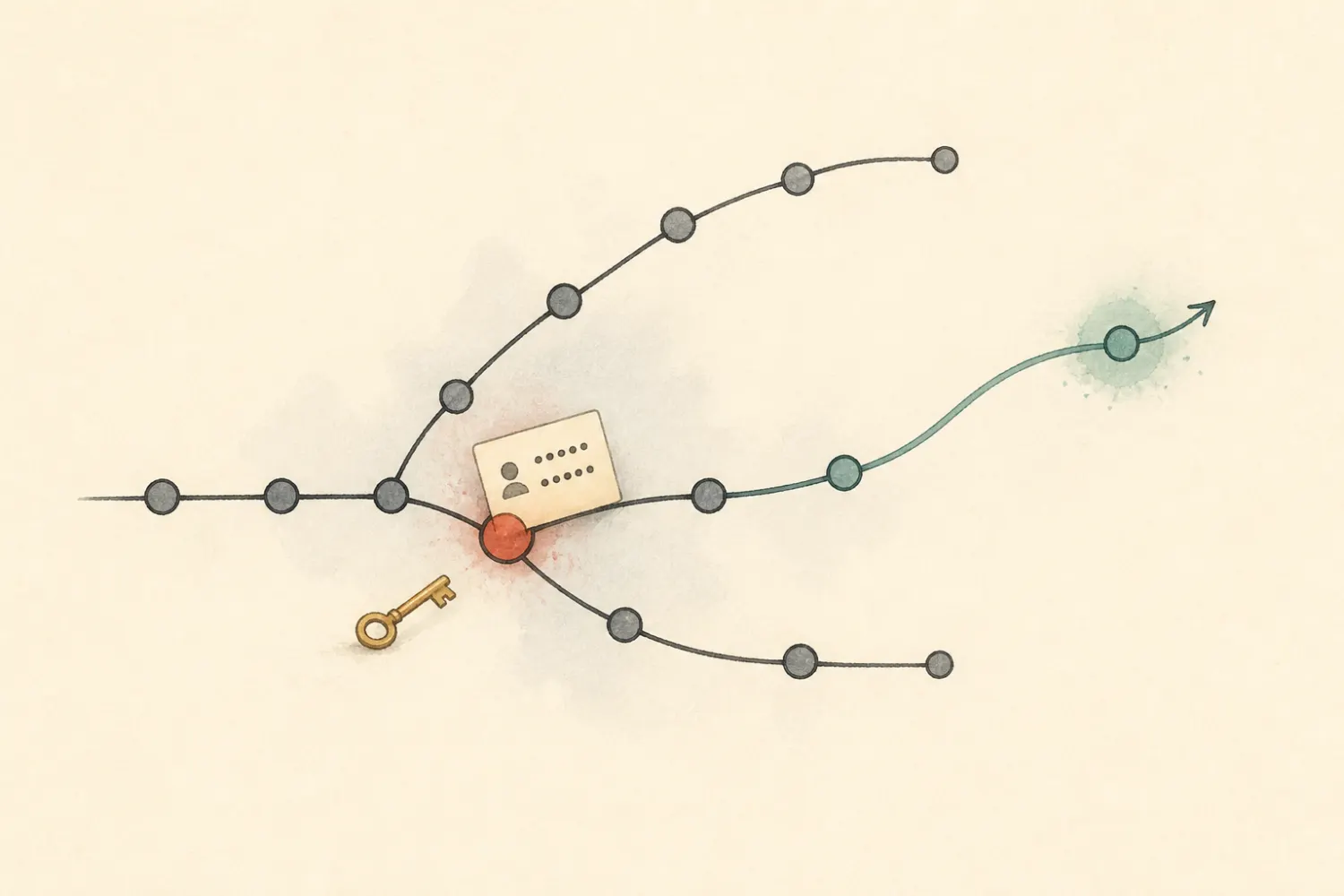
Ever had that “oh no” moment when you realize you’ve just committed a file with sensitive data (like passwords or secret keys) to your Git repo? Yeah, been there, done that. So how do you walk yourself out of this pickle, whether you’ve already pushed your commits or not. .
Sections ahead
- git reset HEAD - Undoing a Commit That’s Not Pushed Yet
- git-filter-repo - Yep ive already sent it to space, how to fix…?
- Starting from a new beginning
- git stash - Something came up, save my changes for later
- git rebase main - My feature branch needs an update
- Update Git so I dont commit foolishly again
The first job, however, is not history rewriting.
Revoke or rotate the secret immediately. Removing it from Git does not make the old value safe: it may already exist in clones, forks, caches, build logs, artifacts, or notifications.
GitHub’s current incident procedure also starts with revocation and explains the coordination needed for history cleanup. Removing sensitive data from a repository
Undoing a Commit That’s Not Pushed Yet
Caught a mistake before pushing? Phew! To uncommit the latest commit while keeping changes handy for a redo:
git log --oneline -5
git reset --mixed HEAD~1
--soft keeps changes staged; default --mixed unstages them. I use --hard only when I explicitly intend to discard local files.
Can the number be something else? Yes: HEAD~2 takes me back two commits, HEAD~3 three commits, and so on. git log --oneline is the easy way to count before touching anything.
If only the latest commit needs correction:
git rm --cached path/to/secret.env
printf '%s\n' 'secret.env' >> .gitignore
git add .gitignore
git commit --amend
Scenario 1: The Oopsie’s Already Online
Nuke That File From Your Commits…
The original article used filter-branch as a time machine. The idea is still the same: rewrite history as if the sensitive file never existed. I now use git-filter-repo, which Git recommends for this job. Before starting, I coordinate a freeze with collaborators and take a mirror backup:
git clone --mirror git@example.com:owner/repository.git repository-cleanup.git
cd repository-cleanup.git
git filter-repo --sensitive-data-removal --invert-paths \
  --path path/to/secret.env
git log --all -- path/to/secret.env
For a secret embedded inside otherwise useful files, I use a replacement expression file rather than deleting those files:
literal:old-secret-value==>***REMOVED***
git filter-repo --sensitive-data-removal --replace-text replacements.txt
It is still the same time-machine idea as the original article. --invert-paths --path ... removes a path from every selected commit; --replace-text keeps the files but changes matching content. The modern tool is faster and has guardrails that the old tree-filter and index-filter examples lacked.
After reviewing the rewritten refs, the repository administrator force-pushes the intended branches and tags:
git push --force --mirror origin
History rewriting changes commit IDs. Collaborators should re-clone or carefully rebase clean work; merging an old clone can reintroduce the secret. Protected branches may need a temporary, reviewed exception. Hosting support may be needed to purge cached pull-request refs or unreachable objects, and forks remain under their owners’ control. git-filter-repo sensitive-data guidance
My former git filter-branch commands are now historical: Git itself warns about their safety and performance pitfalls and recommends git filter-repo. Git filter-branch warning
Rewriting History to Start from a New Beginning
Want a completely fresh start without any trace of the past? This is like giving your repository a new identity, witness protection for Git history. If the actual goal is one new root commit containing the current tree, an orphan branch expresses that directly:
git switch --orphan new-main
git add -A
git commit -m 'Initial snapshot'
git branch -M main
git push --force-with-lease origin main
This does not erase old commits from other branches, tags, forks, reflogs, caches, or clones. I delete or rewrite those refs separately, and it still never substitutes for rotating a leaked secret.
Stash Like a Pro: Saving Changes for Later
Think of the scenario where you are working on something, but suddenly need to switch to an urgent bug. Git stash is your friend here. Naming the stash is like labelling your lunch: it makes it much easier to find later.
git stash push -u -m 'Feature XYZ work in progress'
git stash list
git stash show -p 'stash@{0}'
git stash apply 'stash@{0}'
git stash drop 'stash@{0}'
git stash save still appears in old notes but git stash push is the current form and supports pathspecs. pop combines apply and drop; I use separate commands when I want to verify the result before deleting the stash.
Got a stash collection? git stash list shows it, git stash show -p lets me inspect one, and the message keeps “urgent bug interrupted feature XYZ” from becoming a guessing game.
Update My Feature Branch with a Rebase
Imagine you’ve been working on a feature branch, but meanwhile the main branch has moved ahead. Instead of merging everything into a plate of spaghetti, a rebase can replay your work on top of the new main branch:
git fetch origin
git switch my-feature
git rebase origin/main
If the feature branch is already shared, rebasing also rewrites its commits. I coordinate that before pushing with --force-with-lease, which refuses to overwrite a remote tip I have not seen.
Git temporarily lifts each feature commit, moves the branch to the current main tip, and replays those commits. If the same lines changed, it pauses for me to resolve the conflict and continue with git rebase --continue. Interactive rebase with git rebase -i is also where I squash, reorder, or reword my own unshared commits.
The reason I use it is the same as before: it can straighten the plate of spaghetti into a clean, linear story. The tradeoff is that it rewrites commit IDs.
No More Foolish Commits
Repository-specific ignores belong in the repository’s .gitignore. It is a simple guardrail against repeating the same mistake:
.env
*.pem
credentials.json
Personal editor/OS patterns can go in a global excludes file:
git config --global core.excludesFile ~/.config/git/ignore
An ignore rule does not affect a file Git already tracks; remove it from the index with git rm --cached FILE. I also enable the host’s secret scanning/push protection where available and run a secret scanner in pre-commit or CI. Rotation remains the response if one gets through.
Buy Me a Coffee