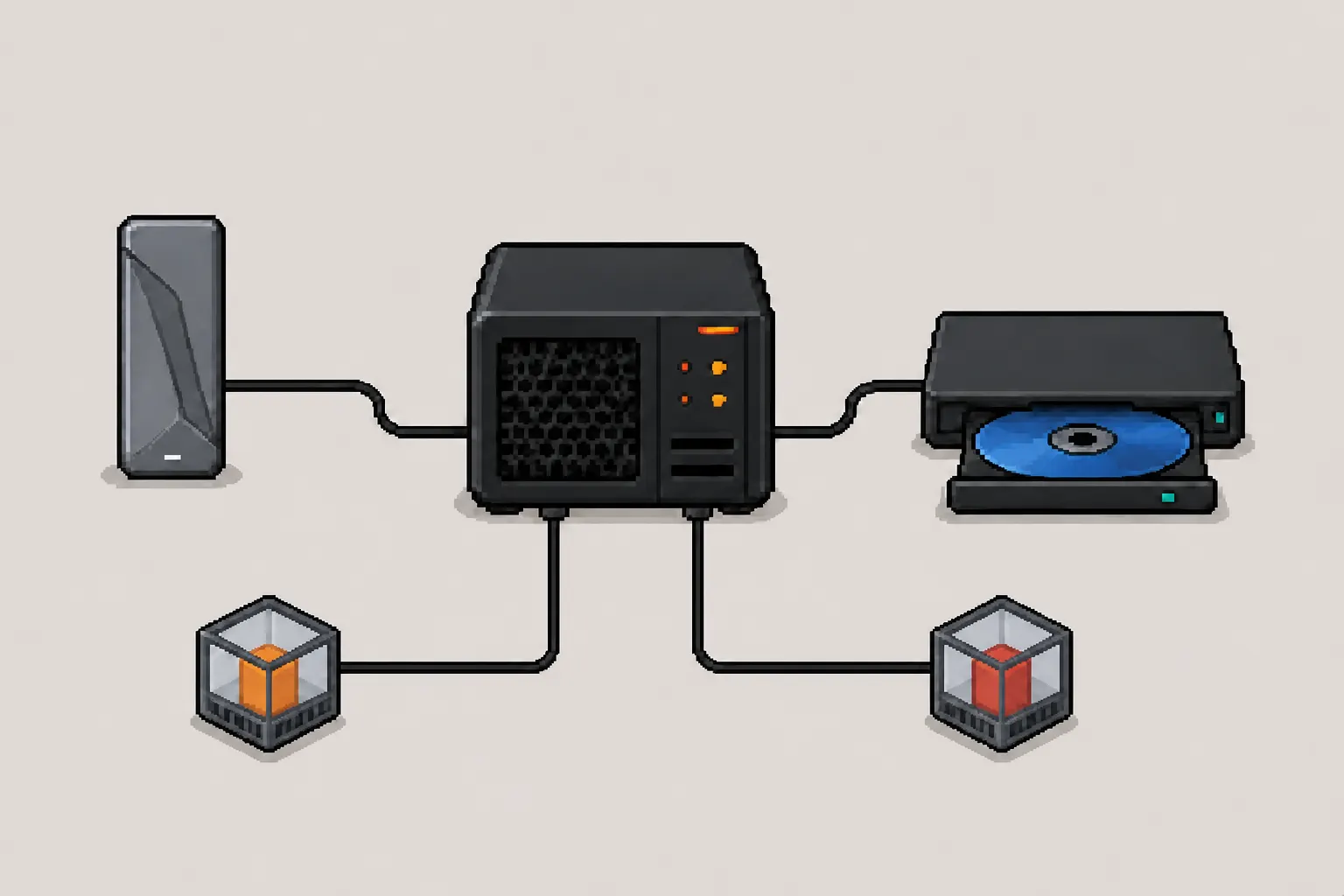
The same configuration can work on one Proxmox installation and fail on another. I ran into that problem with external disks and a Blu-ray drive: the hardware had not changed, but the boundary between the Proxmox host, LXC, cgroups, and the container tooling had.
My original notes treated every /dev entry as roughly the same problem. The more useful question turned out to be simpler:
Does the container need the files stored on the device, or does it need the physical device itself?
For an existing filesystem, I let the Proxmox host mount and manage it, then bind-mount a directory into the container. For an optical drive or another device that an application must control directly, I pass the specific device node through. Keeping those two paths separate makes the setup easier to understand and much easier to repair.
The original cgroup configuration in this article came from my 2023 setup. The modern
pctexamples have been checked against the current Proxmox VE 9.x documentation. Runpveversion -vfirst, because the available interface depends on the installed Proxmox release.
Choose the Right Path
| What the container needs | Preferred method |
|---|---|
| Files on an existing disk or partition | Mount it on the host, then use an mpN bind mount |
| Direct access to an optical drive | Use a devN device mapping when supported |
| Generic SCSI or USB commands | Add only the exact extra device node the application requires |
An older Proxmox release without devN | Use the historical cgroup and lxc.mount.entry method |
Passing a whole block device into a container is possible, but Proxmox describes device mount points as a special-case tool. When the container only needs files, a host mount plus a bind mount keeps filesystem checks, recovery, and stable disk identification on the host.
Record the Starting Point
Before changing the container, I record the Proxmox version, current configuration, and storage devices:
pveversion -v
pct config 101
pct status 101
lsblk -o NAME,PATH,TYPE,FSTYPE,UUID,MOUNTPOINTS,MODEL,SERIAL
I also check whether the container is unprivileged:
pct config 101 | grep '^unprivileged:'
Unprivileged containers map their user IDs to different IDs on the host. That improves isolation, but it also explains many cases where a bind mount appears correctly and the application still receives Permission denied.
What Major and Minor Numbers Mean
Linux device nodes have a type plus major and minor device numbers. I inspect the actual nodes instead of assuming their numbers:
ls -l /dev/sda /dev/sr0 /dev/sg1
lsscsi -g
lsusb
Example output can look like this:
brw-rw---- 1 root disk  8, 0  /dev/sda
brw-rw---- 1 root cdrom 11, 0 /dev/sr0
crw-rw---- 1 root cdrom 21, 1 /dev/sg1
The first character matters:
bis a block device, such as a disk or/dev/sr0optical drive.cis a character device, such as the generic SCSI node/dev/sg1.
The major number selects a kernel device class or driver. The minor number identifies a device within that class. SCSI disks use block major 8, but whole disks do not simply count through minors 0, 1, and 2: /dev/sda, /dev/sdb, and /dev/sdc normally begin at minors 0, 16, and 32 because the intervening minors are reserved for partitions.
For the optical-drive example, /dev/sr0 is block major 11, minor 0. /dev/sg1 is character major 21, minor 1. USB device nodes under /dev/bus/usb use character major 189, but their bus and device numbers can change when the drive is reconnected.
These details matter when maintaining cgroup rules manually. With the newer Proxmox devN interface, I can describe the device by path and let Proxmox produce the container configuration.
Mount an Existing Disk Without Moving Its Data
The Proxmox forum case that led me back to this article had a simple answer from Proxmox staff: mount the existing filesystem on the host and bind-mount its directory into the LXC container. The disk does not need to be reformatted, and the container does not need the raw block device.
1. Identify the Filesystem
I pass a filesystem or partition to the host mount, not an ambiguous whole-disk name:
lsblk -f
sudo blkid /dev/sdX1
I use its filesystem UUID in /etc/fstab so the mount does not depend on whether Linux calls the device /dev/sda, /dev/sdb, or something else after a reboot.
2. Create a Dedicated Host Mount
Proxmox recommends keeping bind-mount sources in a dedicated hierarchy such as /mnt/bindmounts and forbids symlinks in the source path.
sudo install -d -m 0755 /mnt/bindmounts/media
sudoedit /etc/fstab
An ext4 example looks like this:
UUID=REPLACE-WITH-FILESYSTEM-UUID /mnt/bindmounts/media ext4 defaults 0 2
The filesystem type and options must match the actual disk. Before involving LXC, I validate and mount it on the host:
sudo findmnt --verify
sudo mount /mnt/bindmounts/media
findmnt --target /mnt/bindmounts/media
I do not start the container until findmnt confirms that the external filesystem is really mounted. Otherwise the container may see the empty directory on the host root filesystem and write data to the wrong place.
3. Bind-Mount the Directory Into the Container
I start read-only when the workload allows it:
pct set 101 --mp0 /mnt/bindmounts/media,mp=/mnt/media,ro=1
pct config 101
pct shutdown 101
pct start 101
Then I verify the mount from inside the container:
pct exec 101 -- findmnt /mnt/media
pct exec 101 -- ls -la /mnt/media
If the container must write to the disk, I remove ro=1 only after deciding which container user should own the files. For an unprivileged container I compare the numeric IDs on both sides:
pct exec 101 -- id
ls -ldn /mnt/bindmounts/media
The correct ownership depends on the container’s UID/GID mapping. I do not convert a container to privileged merely to make a permission error disappear.
Bind-Mount Limits
Bind mounts are deliberately outside the Proxmox storage subsystem:
- Their contents are not included in
vzdumpcontainer backups. - They do not gain Proxmox snapshots or quotas.
- A local source path must exist and contain the expected storage on a migration target.
shared=1only marks a path as already shared; it does not make local storage shared.
The external data therefore needs its own backup plan.
Pass Through a Blu-ray Drive
A Blu-ray application may need the optical device rather than a directory of already-mounted files. I identify the drive and both SCSI interfaces:
lsscsi -g
ls -l /dev/sr0 /dev/sg1
lsusb
Example discovery output:
[2:0:0:0]  cd/dvd  Blu-ray  XXX-XXXX-U  E101  /dev/sr0  /dev/sg1
Bus 002 Device 003: ID 0411:55aa External Blu-ray Drive
The nodes serve different purposes:
/dev/sr0is the block optical-drive interface used for normal disc access./dev/sg1is the generic SCSI interface used by software that sends lower-level commands./dev/bus/usb/002/003is the current USB connection node. Its numeric path is not stable across reconnects.
Proxmox VE 8.1 and Newer
Proxmox staff introduced devN passthrough on the command line in Proxmox VE 8.1, followed by UI support in 8.2. I can also check the installed command directly:
pct help set | grep -- '--dev'
Before assigning a group, I check the group inside the container:
pct exec 101 -- getent group cdrom
If that reports GID 24, a read-only optical-drive mapping is:
pct set 101 --dev0 path=/dev/sr0,deny-write=1,mode=0660,uid=0,gid=24
pct config 101
pct shutdown 101
pct start 101
pct exec 101 -- ls -l /dev/sr0
gid=24 is an example, not a universal value. I substitute the actual group expected by the container and application. I remove deny-write=1 only when writing or burning is intentional.
I add /dev/sg1 as another devN device only when the application proves it needs generic SCSI commands. I avoid passing the USB bus node unless the software truly communicates at that level. Giving a container more device access than it needs makes permissions harder to reason about and widens the impact of a compromised container.
Passing /dev/sr0 makes the device node available. It does not guarantee that an unprivileged container can mount every optical filesystem itself. If the application only needs the files, mounting the disc on the host and bind-mounting the directory can still be the simpler route.
The Historical cgroup Method
My original working configuration edited /etc/pve/lxc/101.conf directly. This remains useful for understanding older Proxmox releases and for diagnosing what the newer devN interface is doing.
For /dev/sr0, the corrected rule uses a block-device prefix:
lxc.cgroup2.devices.allow: b 11:0 rwm
lxc.mount.entry: /dev/sr0 dev/sr0 none bind,optional,create=file
If an application also required /dev/sg1, my original pattern added its character-device rule and mount entry:
lxc.cgroup2.devices.allow: c 21:1 rwm
lxc.mount.entry: /dev/sg1 dev/sg1 none bind,optional,create=file
For software that required the USB node itself, the configuration followed the same pattern:
lxc.cgroup2.devices.allow: c 189:130 rwm
lxc.mount.entry: /dev/bus/usb/002/003 dev/bus/usb/002/003 none bind,optional,create=file
That last example is fragile because the 002/003 path can change after reconnecting the drive.
The cgroup permission letters mean:
r: read from the device.w: write to the device.m: create the device node withmknod. It does not mean mount.
The relative target in lxc.mount.entry is intentional: dev/sr0, not /dev/sr0. optional allows the container to start when the source device is missing, while create=file prepares the destination as a file-like device node.
This configuration worked for me on the setup where I originally wrote the article. On a current installation I prefer pct set ... --devN when it is available, because it records the same intent through Proxmox’s supported container interface.
Troubleshooting the Boundary
When the setup fails, I check one layer at a time:
Does the host see the filesystem or device?
lsblk -f
lsscsi -g
findmnt --target /mnt/bindmounts/media
Did Proxmox record the intended mapping?
pct config 101Does the container see the mount or device?
pct exec 101 -- findmnt /mnt/media
pct exec 101 -- ls -l /dev/sr0 /dev/sg1
Do the numeric UID and GID values match the unprivileged mapping?
pct exec 101 -- id
ls -ldn /mnt/bindmounts/media
Did reconnecting the hardware change
/dev/srN,/dev/sgN, or the USB bus path?lsscsi -g lsusb
If a container fails to start after a configuration change, Proxmox can show the LXC startup details directly:
pct start 101 --debug
The useful lesson from both versions of this setup is not one magic configuration line. It is knowing which boundary I am crossing. Files belong on a host-mounted filesystem exposed through a bind mount. Hardware control belongs to the smallest device mapping that lets the application do its job.
Proxmox Documentation
- Linux Container chapter in the Proxmox VE Administration Guide
pctcommand reference- Proxmox wiki: bind mount points
- Proxmox VE Administration Guide PDF
- Proxmox staff answer: mount an existing partition on the host and bind-mount it
- Proxmox staff version note for
devNpassthrough
Buy Me a Coffee