I recently ran into a snag while using SSH: pressing the ~C escape key triggered a commandline disabled notification. At first, I assumed the issue was server-side, but it actually stemmed from my OpenSSH client on the mac.
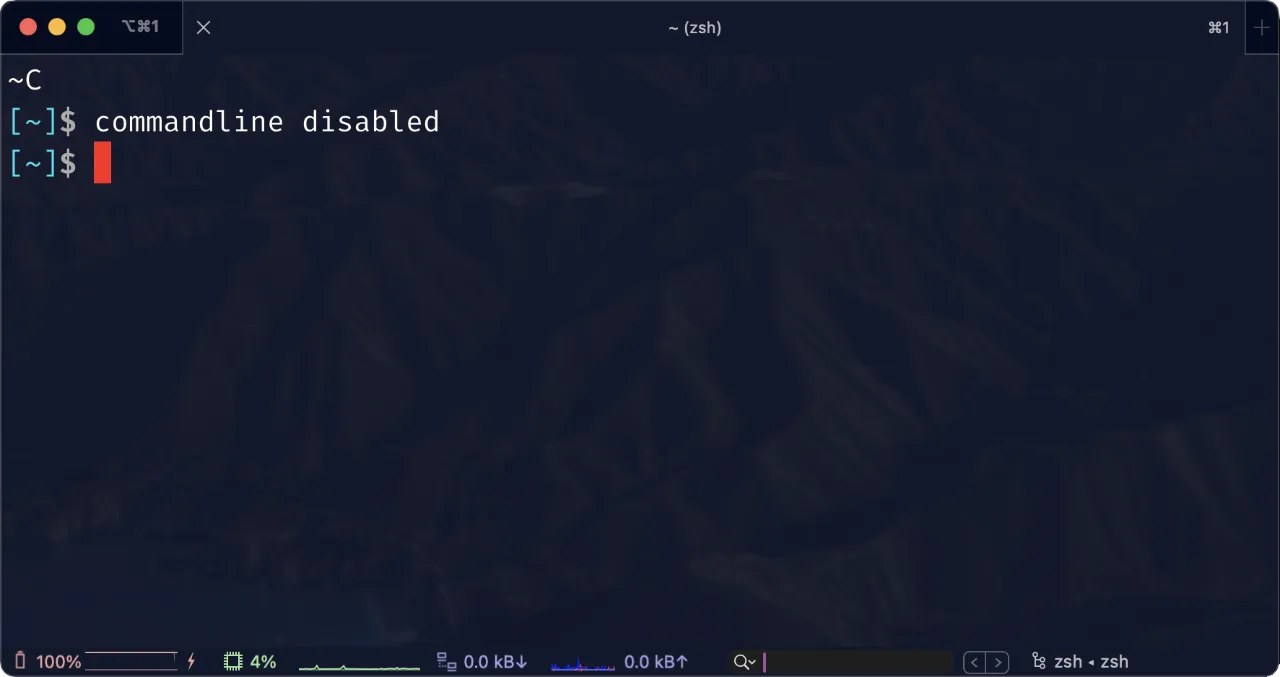
After investigating, I discovered that the issue began after a recent update to OpenSSH. This version introduces a change where the ~C command line escape sequence is disabled by default.
To resolve this, I needed to enable the EnableEscapeCommandline option. This can be done in two ways:
Per-user configuration: Add a host-scoped block to
~/.ssh/config. Despite living in my user config, an unscoped option would affect all of my SSH destinations.Per-Session Basis: Use the
-o EnableEscapeCommandline=yesoption when running the SSH command. This is useful if you prefer not to change global settings or need to enable it for specific sessions.
The manual `ssh(1)` adds a new `EnableEscapeCommandline` option to `ssh_config(5)`.
This controls the availability of the client-side `~C` escape sequence, which offers
a command-line interface for operations like adding port-forwards at runtime.

- The default for this option is set to `"no"`, which disables the `~C` command-line
previously enabled by default.
- Disabling the command-line allows platforms supporting SSH client sandboxing
(currently only OpenBSD) to implement stricter default sandbox policies.

For users of OpenSSH 9.2 and upwards who rely on the `~C` command-line functionality,
adjusting the `EnableEscapeCommandline` setting is a straightforward fix to re-enable
this feature. It's a simple yet essential step for maintaining workflow
efficiency and managing SSH sessions effectively.
My preferred fix is narrow:
Host lab-bastion
    HostName bastion.example.com
    EnableEscapeCommandline yes
OpenSSH 9.2 disabled the client-side ~C command line by default. The option enables adding forwardings interactively for this host. OpenSSH 9.2 release notes
For an administrator who intentionally wants a machine-wide default, the client configuration is:
/etc/ssh/ssh_config
macOS also uses /etc/ssh/ssh_config; /private/etc/ssh/ssh_config is the same file through macOS’s /etc symlink. User configuration is normally the safer place for this preference.
ssh -G lab-bastion | grep -i enableescapecommandline
Buy Me a Coffee